Map Studio.
Make the map your own.
Choose your colours. Add texture. Change the little details. Build a style that feels like yours.
Every detail changes the feeling.
Try a few visual treatments below. This is a lightweight illustration of Map Studio's controls; for actual editing of map layers, open the full browser editor.
Try a different look.
Changes apply to this sample image only.
Illustrative sampler, not an exported or saved map. The actual editor offers individual map colour, texture and icon controls.
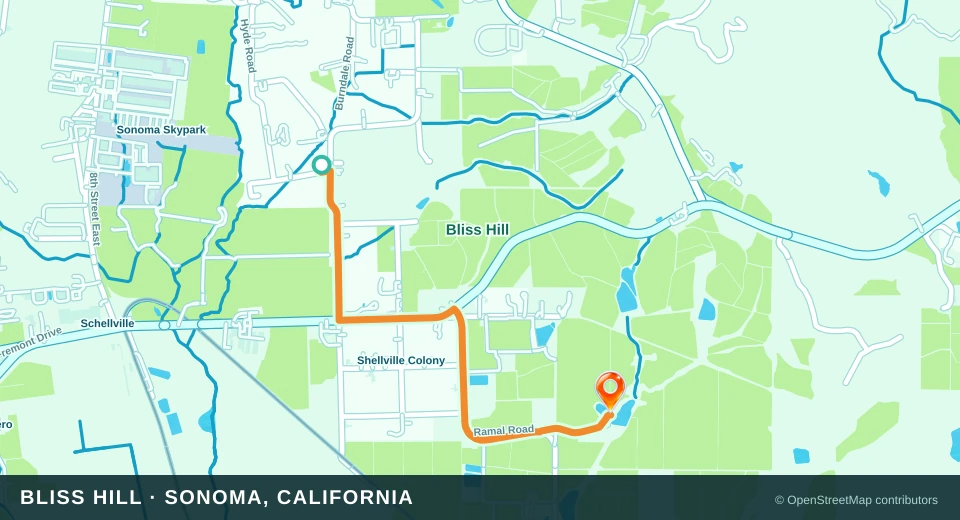 FRUTIGER AERO · PREVIEW

Every part of the map has a palette.
Change land, water, parks, buildings, roads, routes and labels separately. Small adjustments can turn the same streets into something entirely different.
Start from a favourite skin, or create a new style and give it a name.
A palette for every layer.
Illustrative colours · Individual layer editing is in the full Map Studio.
More than flat colour.
Textures give a map character: a soft grain, luminous sheen, weathered paper or a playful surface. Adjust strength and scale to keep it balanced.
Use the small preview to see how changes affect the surface before saving your custom style.
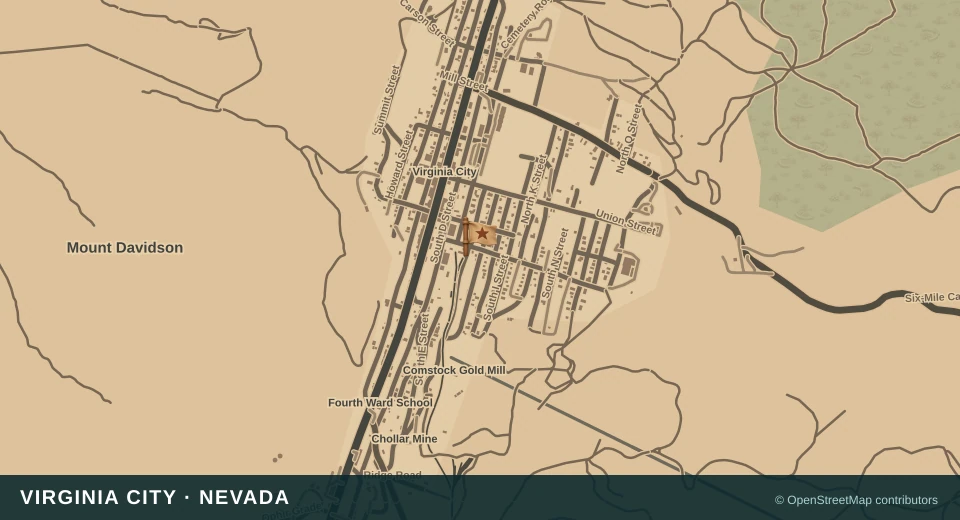
Put your mark on the little things.
Choose individual map icons—including your position indicator, saved locations and place categories—to make the whole interface feel consistent.
Future image-generation integration is planned. The browser prototype currently provides the groundwork for choosing and changing icons.
Position

Pin

Café

Saved
Ready to try the real editor?
Open Map Studio in the SigmaMaps browser prototype. No paid membership is required for the current preview.