Choose a world.
Pick a map skin with its own roads, terrain, icons and interface details.
Choose a map style, make it your own and see familiar places in a different light.
Pick a map skin with its own roads, terrain, icons and interface details.
Adjust colours, textures and icons, then save a custom style in the browser prototype.
Find places and preview routes on real map data with your chosen look.
Each SigmaMaps style changes the visual language of the map. From the fresh shine of Frutiger Aero to the aged detail of Frontier Atlas, roads, parks, water and icons work together.
Browse nine featured visual worlds on the homepage. The website's live comparison currently demonstrates two styles; the separate browser app has the broader skin collection.
Explore map styles →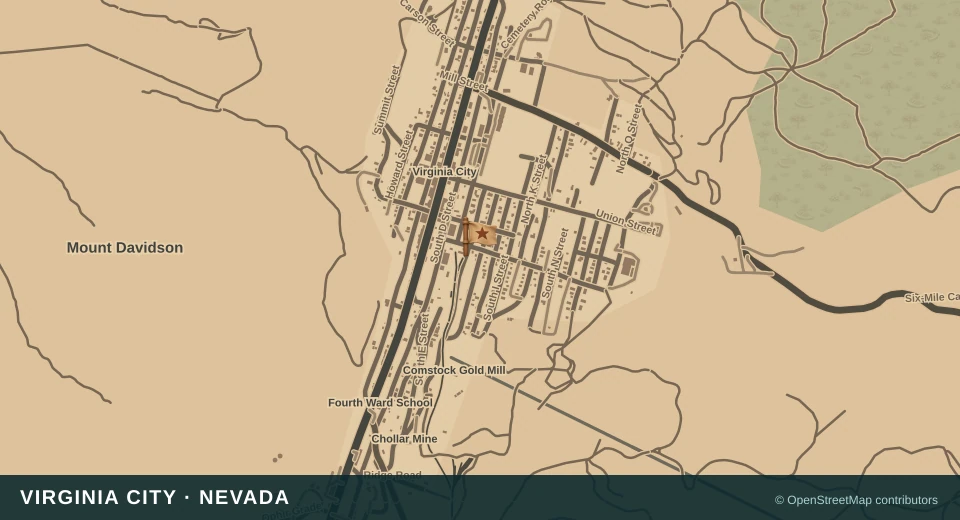
Open Map Studio to adjust individual map colours, texture strength and size, and map icons. Create a new style with its own name instead of overwriting the defaults.
The marketing website contains a simple sampler; real editing happens inside the separate interactive prototype.
Discover Map Studio →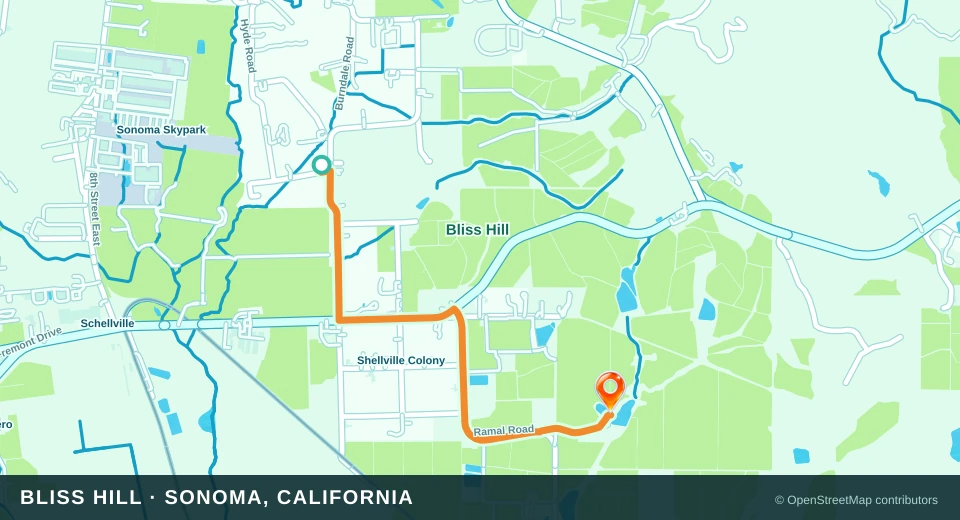
Search for destinations, explore places and preview routes in the SigmaMaps browser app. The current experience uses open map data and demonstration services, so availability and coverage can vary.
There is no need to sign up or pay for the current public preview. Saved places and styles may remain only in the browser where you created them.
Open the interactive map →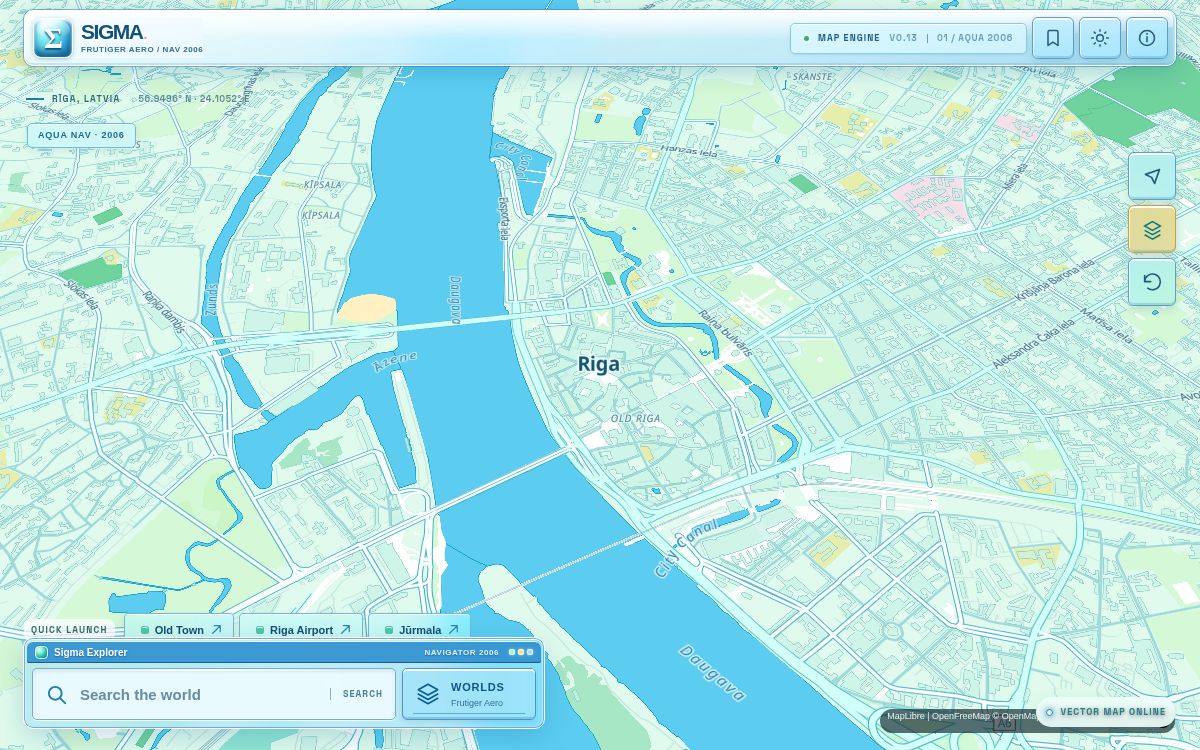
Go straight into the map prototype, or explore customization in Map Studio.