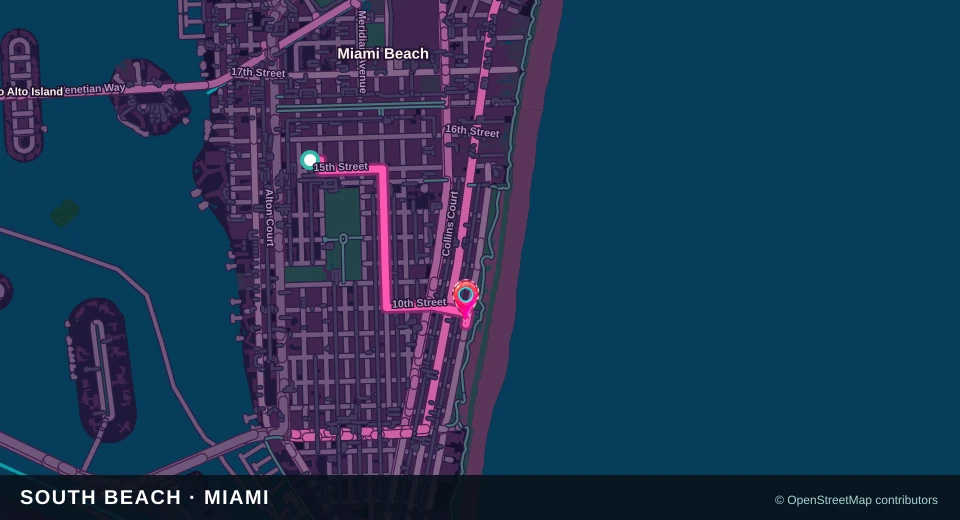
The difference between a promising navigation prototype and an approved in-car app.
A website is not enough
Apple CarPlay apps run through supported native iOS frameworks and defined categories. A browser mockup, however polished, cannot simply be placed on the dashboard.
Navigation functionality must be implemented and tested in the native app, including display behavior, route guidance and appropriate driver-focused interactions.
Entitlements and review matter
A developer account and app submission do not guarantee access to the CarPlay navigation capability. Apple controls category entitlements and App Store review.
Until approval and native testing are complete, it is accurate to describe CarPlay support as planned—not available.
Build confidence incrementally
Start by validating the map rendering, route state, place search and visual accessibility on iPhone. Then work through the native integration and applicable review requirements.
SigmaMaps is currently at the browser-prototype stage. The marketing site intentionally separates the existing preview from future CarPlay ambitions.