Strength
Set how visible a surface texture feels instead of applying it at full intensity.
Introduce paper, grain, sheen or glossy effects with control.
Learn what this part of the browser prototype offers, how it fits into the wider map, and which capabilities remain under development.
See it in the walkthrough →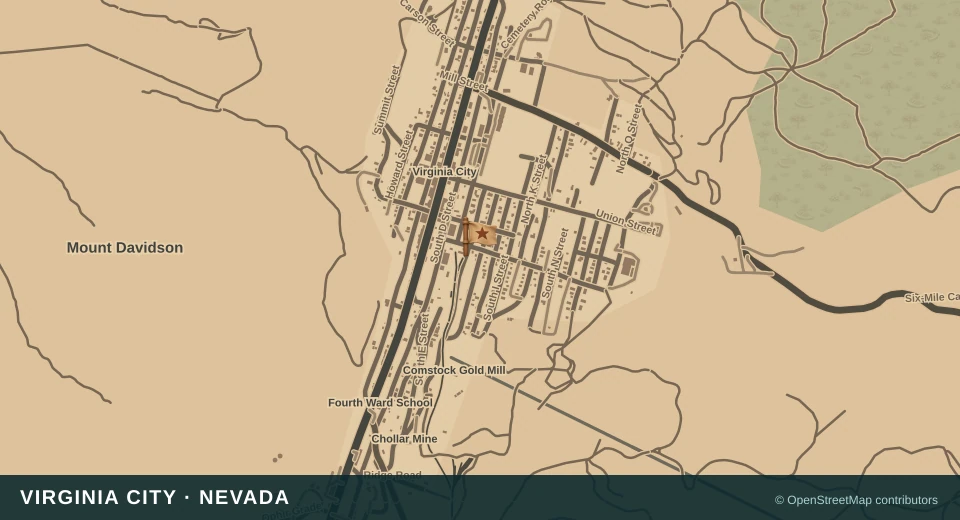
Set how visible a surface texture feels instead of applying it at full intensity.
Change the scale of the pattern so it reads well at the current map zoom.
Keep roads, labels and route information clear even when the land treatment is richly styled.
These pages describe the public SigmaMaps browser prototype. They do not promise an available iPhone app, Apple CarPlay approval, subscriptions, cloud sync or a production-safe driving service. See the Help Centre for current capabilities and limitations.
Explore the current public browser prototype. Keep a released navigation app for actual travel.